Spilling water on your Chromebook’s keyboard is one of those terrifying accidents that can happen to any Chromebook user. But don’t worry! You can easily remove water from the Chromebook keyboard to keep working or playing on it. To start, power off your Chromebook, disconnect all external devices and flip it. After that, open its […]

Amongst the ways to fix the cracks on an iPad screen without replacing the screen itself, one option is to use a screen repair kit, which typically includes replacement glass and the needful tools. Begin by carefully removing the damaged glass with the provided tools, ensuring no shards remain. Clean the iPad screen thoroughly before […]
Your screen protector may start peeling at the moment you need it most. However, you can restore its sticky-side grip using proven methods. First, clean both surfaces with a microfiber and alcohol, then reapply using a squeegee card from the center out. Or gently wash the adhesive in soapy, lukewarm water; let it air-dry before […]
Cleaning the adhesive side of a screen protector requires a gentle approach to avoid damaging the protector or leaving residue. Start by peeling off the screen protector from your device. Use a mild water solution and a small amount of gentle soap or dishwashing liquid on a microfiber or lint-free cloth. Dampen the cloth slightly […]
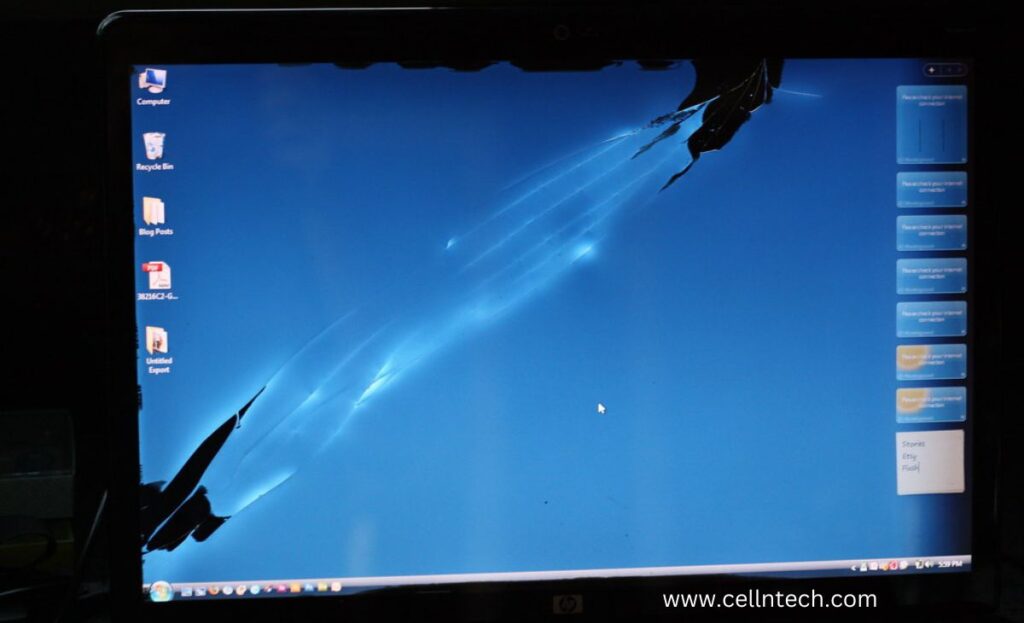
To remove water from a laptop’s LCD screen, it’s crucial to act swiftly and cautiously. Begin by turning off the laptop and closing the lid to minimize the risk of electrical damage. Gently blot the water using a soft, lint-free paper towel, avoiding any rubbing or pressing. Alternatively, employ a handheld vacuum with a nozzle […]
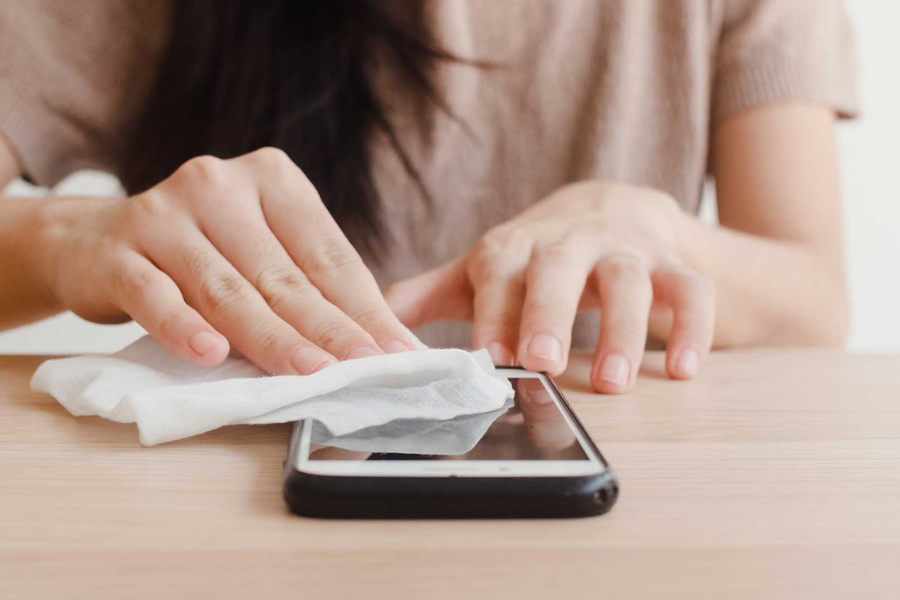
Turn off your iPhone and give it a thorough cleaning with a soft cloth if the screen is black due to water damage. To absorb moisture, place the iPhone in a sealed container with uncooked rice or packets of silica gel for a minimum of 24 to 48 hours. Press and hold the power and […]
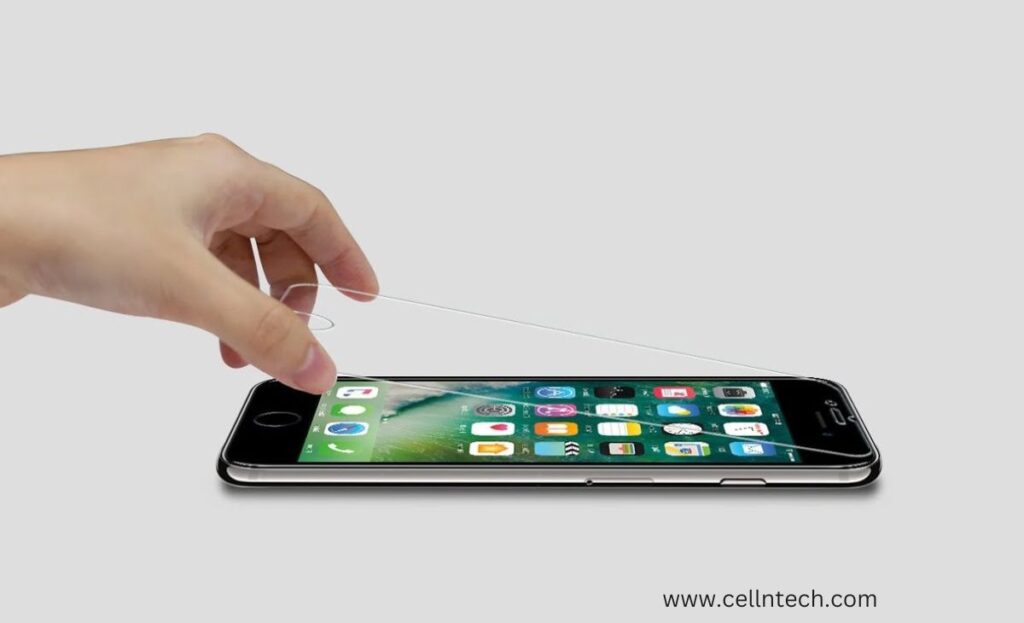
Taking off a tempered glass screen protector is a delicate process. Begin by powering down your device and using a plastic card to lift the protector’s edges gently. Applying heat with a hairdryer helps loosen the adhesive, facilitating a slow and steady removal. Clean any residue with isopropyl alcohol and a microfiber cloth. Finally, dispose […]
To clean the sticky side of your screen protector, start by switching off your device. Carefully peel off the protector and use a soft brush to remove loose debris. Blast the sticky side with compressed air, then wipe it down with a microfiber cloth. Inspect for residue, clean if necessary, and reapply the protector, ensuring […]
We’ve all been there – that heart-dropping moment when you spill water on your laptop, and suddenly, there’s a mysterious cloud on your screen. We’re going to unravel the secrets of removing a cloud water patch from inside the Laptop screen. So, let’s dive in! To remove a cloud water patch inside your laptop screen, […]
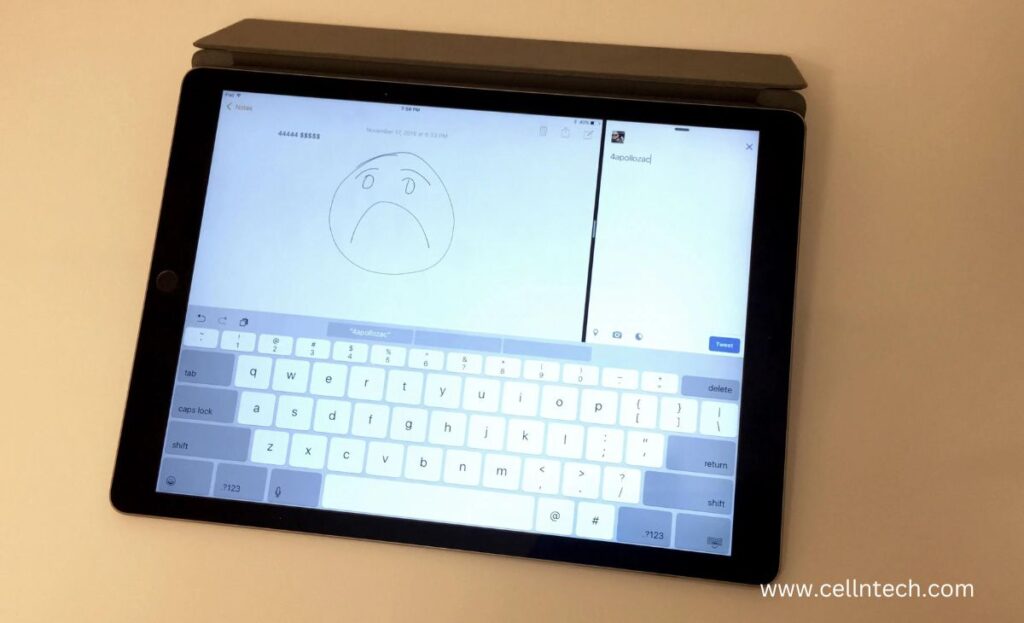
Are you struggling with the irritating issue of your iPad’s keyboard, which is typing the wrong characters? It’s a common headache that can slow down your productivity and dampen your enthusiasm. But don’t worry, fellow iPad users! To help you, the expert techs of CellNtech share several simple and powerful solutions if you’re wondering how […]