Category Archives: iPad

How to Fix a Water-Damaged iPad Speaker

Water damaged ipad speaker

If your iPad speaker starts acting up after water exposure, the problem could be deeper than just surface moisture. You might hear muffled audio, static, or no sound at all. These issues usually come from trapped water, damaged components, or lingering residue behind the speaker grill. However, there are multiple ways to fix it – […]

How to Fix iPad Screen Flickering?

Fix iPad Screen Flickering

Poor screen performance can significantly affect your iPad’s usability. You should know what exactly causes screen flickering to follow an effective solution. If the problem is a temporary software glitch, a soft reset may resolve it. Next, update your iPadOS to remove any bugs in the previous versions.  Also, look at brightness settings, and consider turning off […]

iPad Not Charging When Plugged Into Computer? Know The Causes & Solutions

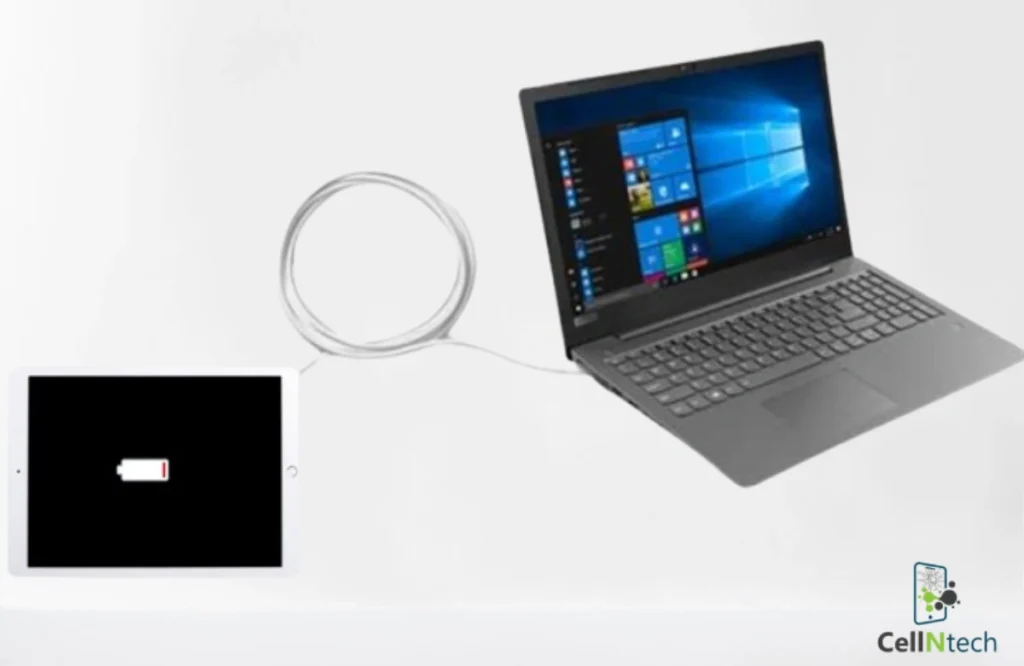
iPad not charging when plugged into computer

Some of the major causes of this issue may be a computer’s USB port with limited power, using third-party power cables to charge the iPad instead of Apple-certified cables, attaching your computer to a non-reliable power supply, and dirt or debris in the iPad’s charging port.  The top DIY solutions you can try include using […]

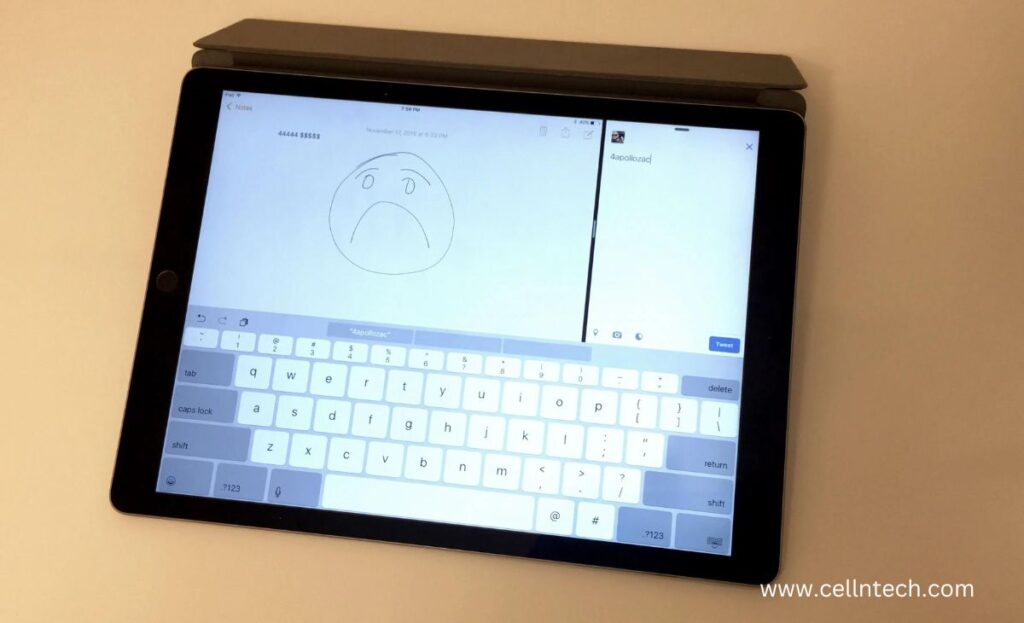
Fix the keyboard that Types Wrong Characters on iPad

fix the keyboard that types the wrong characters on the iPad

Are you struggling with the irritating issue of your iPad’s keyboard, which is typing the wrong characters? It’s a common headache that can slow down your productivity and dampen your enthusiasm. But don’t worry, fellow iPad users! To help you, the expert techs of CellNtech share several simple and powerful solutions if you’re wondering how […]