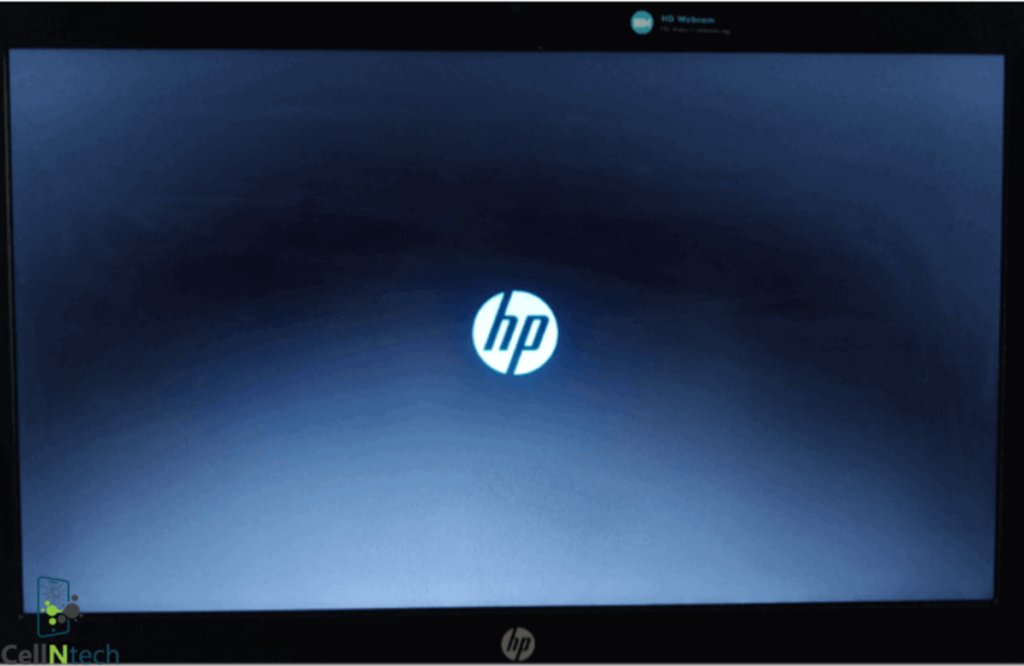
Ever turn on your laptop… and it just stops on the loading screen? Annoying, right? Especially when you have work, school or personal projects waiting. The good news? Most laptops stuck here can be fixed easily. Try these to fix your laptop stuck on loading screen: Hold the power button 10–15 seconds to force shutdown. […]
Category Archives: Laptop
Your laptop is likely your most-used device. You bring it to the office, and you go to bed watching movies. Gradually, it accumulates a great deal of dust, human cells, and hair that drops on the keyboard. So, how often should you clean your laptop? You should clean your laptop’s exterior weekly to remove oils […]
Black spots on a laptop screen can be unsightly and disruptive, affecting productivity and the overall user experience. To remove black spots from your laptop screen permanently, first, clean black spots from your laptop screen with a microfiber cloth and a diluted screen cleaner. For stuck pixels, try pixel repair software or gentle pressure techniques. […]
As technology advances, so do the threats of malware and viruses. Chromebooks are no exception; they come with user-friendly interfaces and vast online storage capabilities. This article focuses on the common signs that you should clean your Chromebooks from viruses and provides step-by-step instructions on eliminating them. To clean their Chromebooks from viruses, users should […]
Keyboard impressions on the laptop screen frustrate every user who notices them during work. Keys press directly against the display when you close the lid. These permanent keyboard marks often result from dust or constant pressure in slim designs. You can easily remove permanent keyboard marks from the laptop screen using microfiber cloths, distilled water, […]
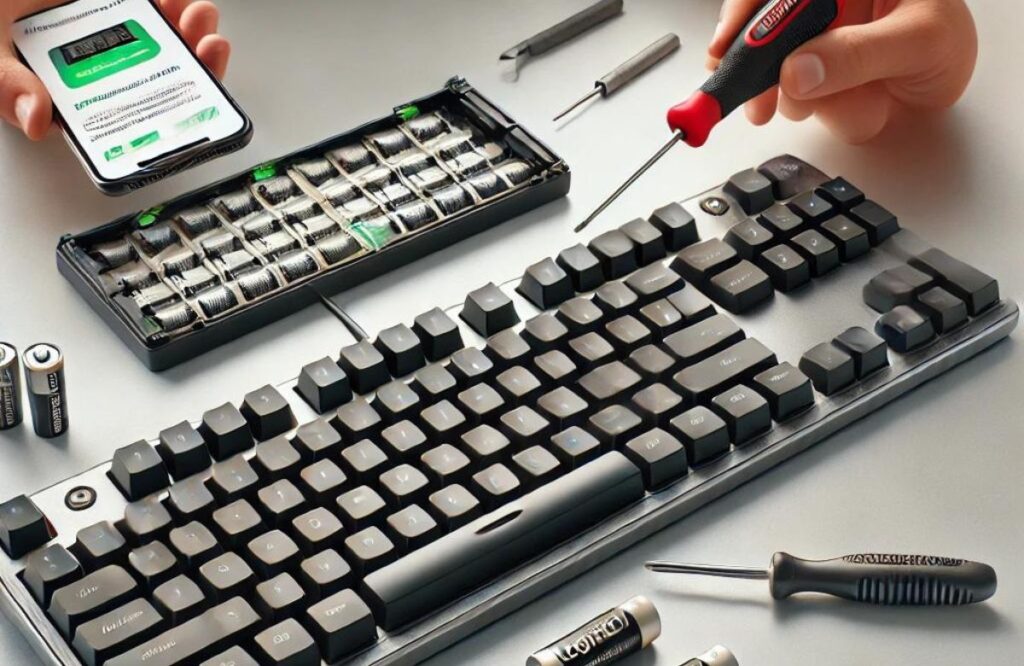
When your Logitech keyboard stops responding, it can be frustrating, but there are straightforward steps you can take to fix it. This guide will walk you through five key steps, including checking the battery, testing the keyboard on a different device, and resyncing it. By following these steps, you’ll have your Logitech keyboard back to […]
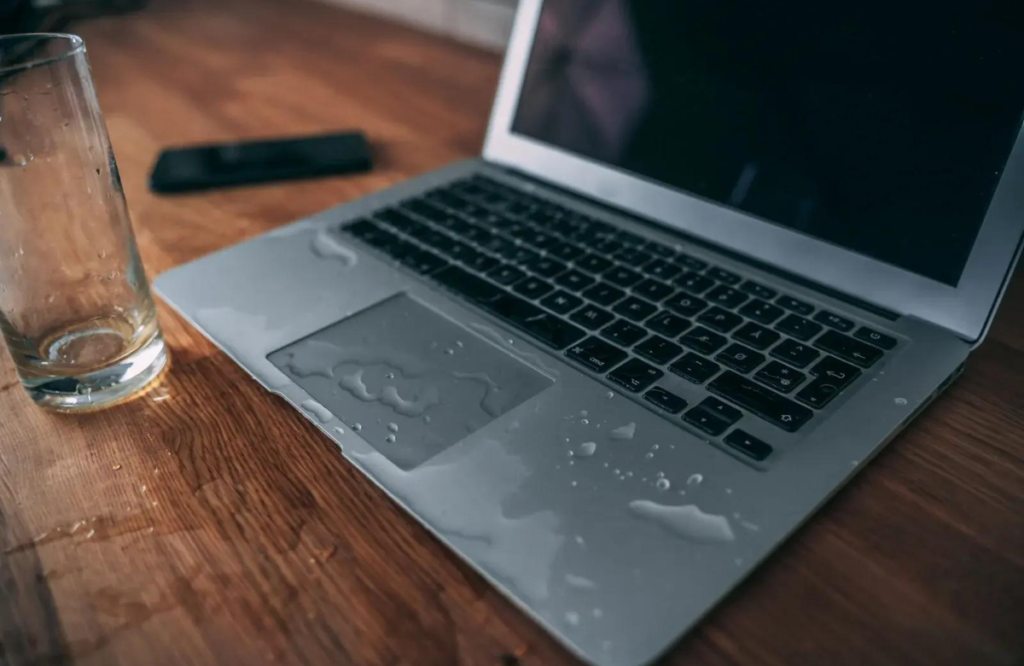
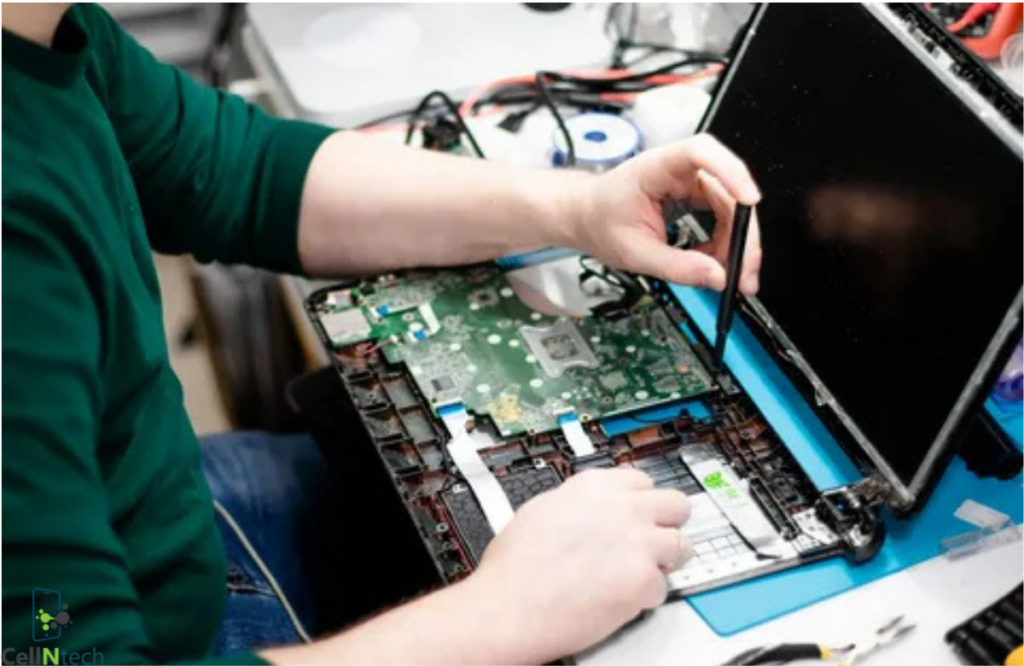
If your HP laptop becomes a victim of water damage, you need to take quick and efficient measures to save your device. The first thing you need to do is force-switch your laptop off right away and remove it from all power sources. Then, you may pat the laptop dry with a cloth, flip it […]
Have you dropped water on your laptop? There is a possibility that the spilled water may seep into the laptop screen and cause damage. We understand it could be a perplexing situation for you, but you don’t need to worry. Every problem comes with a solution, and you have to find it. In order to […]
Dealing with a cracked laptop screen starts with assessing the damage. For minor cracks, a quick fix like clear packing tape can prevent further issues. However, for a more durable solution, turning to a DIY repair kit is the way to go. These kits provide everything you need, such as liquid adhesive or epoxy, to […]
Accidents can happen with electronic devices, causing them to stop working or turn on. Therefore, you need to be aware of the ways to troubleshoot the issue. If your HP Chromebook gets wet, turn off your laptop immediately and remove the battery to avoid electrical issues. Secondly, take a dry cloth and put it over […]
- 1
- 2