

Dealing with a broken console completely ruins your free time. A typical professional PlayStation repair takes anywhere from a few hours to several business days, depending on the type of hardware issue. However, getting professional console repair services ensures you can skip the massive turnaround delays of mail-in factory centers and get back to your […]
Category Archives: Gaming Console
Many players get confused during gameplay when their PS5 controller flashes blue and won’t connect. This common problem usually means a ”connection problem” or a syncing error, or a glitch in the system. This can happen suddenly during play or at console startup. You can fix it quickly and easily if you know what is […]

02
Jun
Jun
You are right in the middle of a tense multiplayer match; your hands are sweating, and suddenly your character moves on their own. Gaming frustration is real but a lot of times, your worst enemy isn’t the other team; it’s the sticky soda residue and food crumbs hiding under your thumbsticks. Knowing how to clean […]
01
Jun
Jun
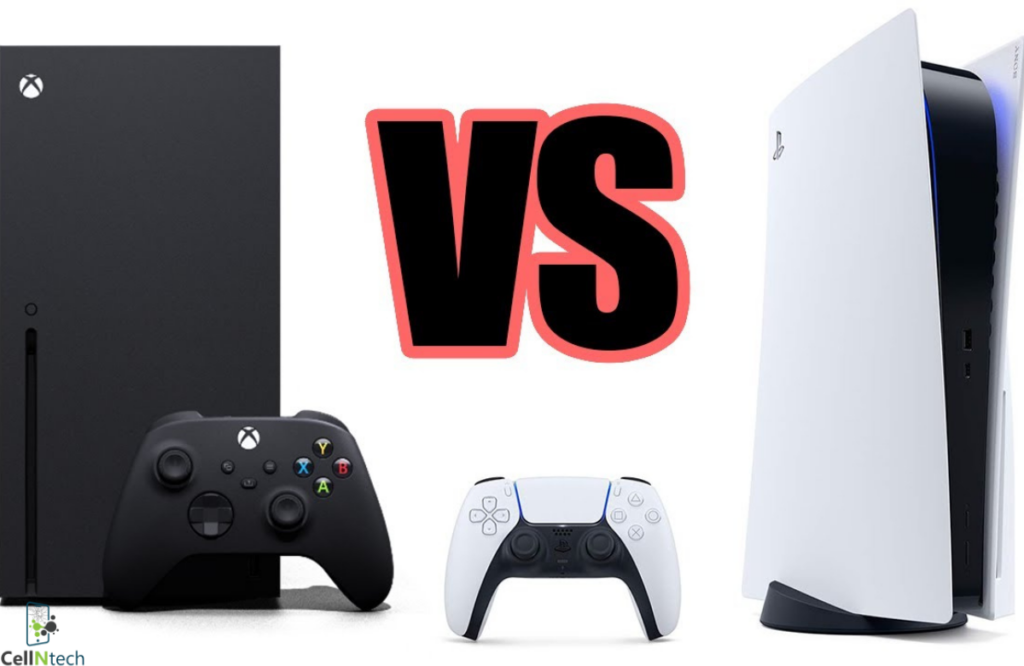
It’s difficult to choose between the Xbox X and the PS5 these days. Both consoles offer fast performance, sharp graphics and large collections of major titles. They even introduce new features such as ray tracing and higher refresh rates. However, the “better” option is largely a matter of personal preference based on your playing style, […]
30
Apr
Apr
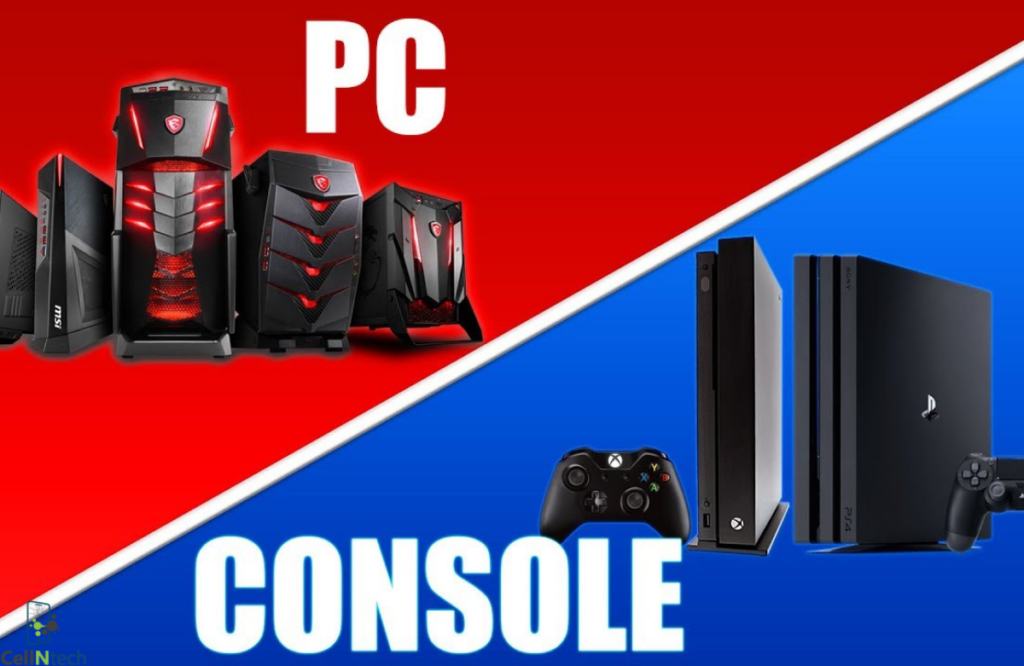
Let’s be real for a second. Choosing between a console and a custom PC is basically a rite of passage for anyone who loves games. It isn’t just about the hardware; it’s a lifestyle choice that dictates how you spend your Friday nights. Do you want to slump into a beanbag with a controller and […]
30
Mar
Mar
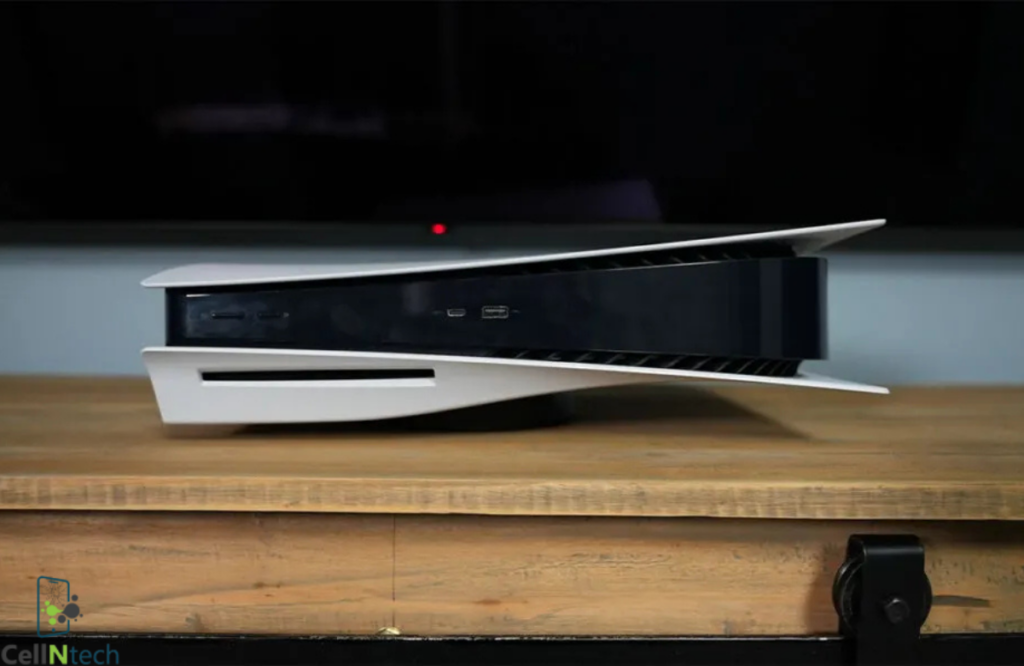
PS5 lag can ruin your gameplay. Especially when every second counts in online matches. The simple fix for PS5 lag is to improve your internet stability, adjust a few key settings, & keep your system focused on one task. Most lag issues come from small problems that are easy to fix once you know where […]

03
Mar
Mar
Playing PC games with a keyboard isn’t for everyone. If you prefer the comfort of a gamepad, learning how to connect an Xbox controller to a PC is the first step toward a better setup. Microsoft built Windows to recognize these controllers natively, yet the process still runs into snags due to faulty cables or […]

03
Mar
Mar
The PlayStation 5 is a massive piece of engineering but it is not immortal. Whether you finally scored one after years of searching or you have been playing since launch day, you likely want to know the “shelf life” of your console. Unlike a smartphone that you carry in your pocket, a PS5 lives in […]

03
Feb
Feb
Your PS5 works hard every time you play. It pulls in air, and with that air comes dust. Over time, dust settles inside and outside the console. This can cause fan noise and overheating problems. Also, it can affect performance. Many people ignore cleaning because it sounds risky. But how do you clean your PS5 […]

03
Feb
Feb
It is a gamer’s worst nightmare. You are in the middle of an intense session. Your character starts moving on its own. You did not touch the stick. This is stick drift. It is frustrating and common, but do not worry. There are ways to fix it. You can reduce or resolve Xbox controller stick […]