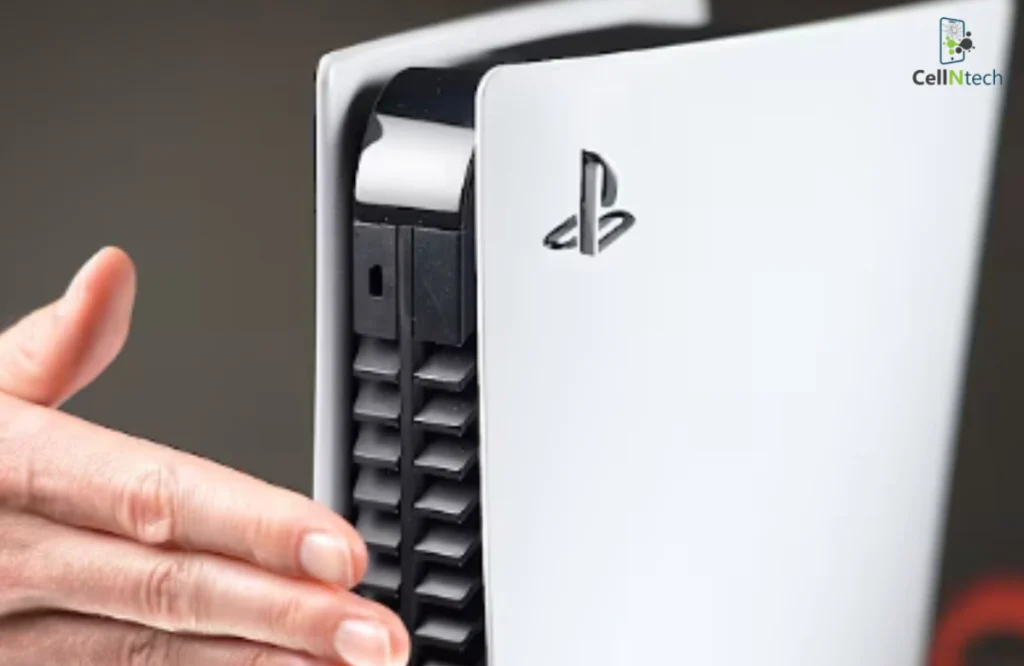
If your PS5 turns itself off, it can interrupt your gaming experience. Several reasons might cause this problem, such as overheating, outdated software, or issues with external devices. Luckily, there are several ways to troubleshoot and fix the issue. First, check for overheating by ensuring your PlayStation has proper ventilation. Then, update the system software, […]
Category Archives: Gaming Console
Logitech G29 users aim for precise steering performance on PS5. To calibrate your Logitech G29 on your PlayStation 5, start by securely mounting your wheel and connecting all cables. The PS5 automatically triggers the wheel’s self-centering calibration when powered on. Confirm detection in console settings, then access your racing game’s controller menu for sensitivity calibration […]
You grab your PS4 controller for an intense gaming session. Suddenly, the left analog stick drifts on its own. This frustrates many players who face stick drift or unresponsive inputs. Calibrating your PS4 controller restores smooth control and precision. You can try basic console steps first. Start with a full console power cycle and USB […]
Preventing PS5 overheating requires maintaining proper airflow, as a blocked air path or confined space can quickly cause heat buildup. Cleaning the console’s vents and the inside can keep its cooling system running efficiently. Limiting long gaming sessions and reducing system strain can also help prevent excess heat buildup. If these steps don’t solve the problem, […]
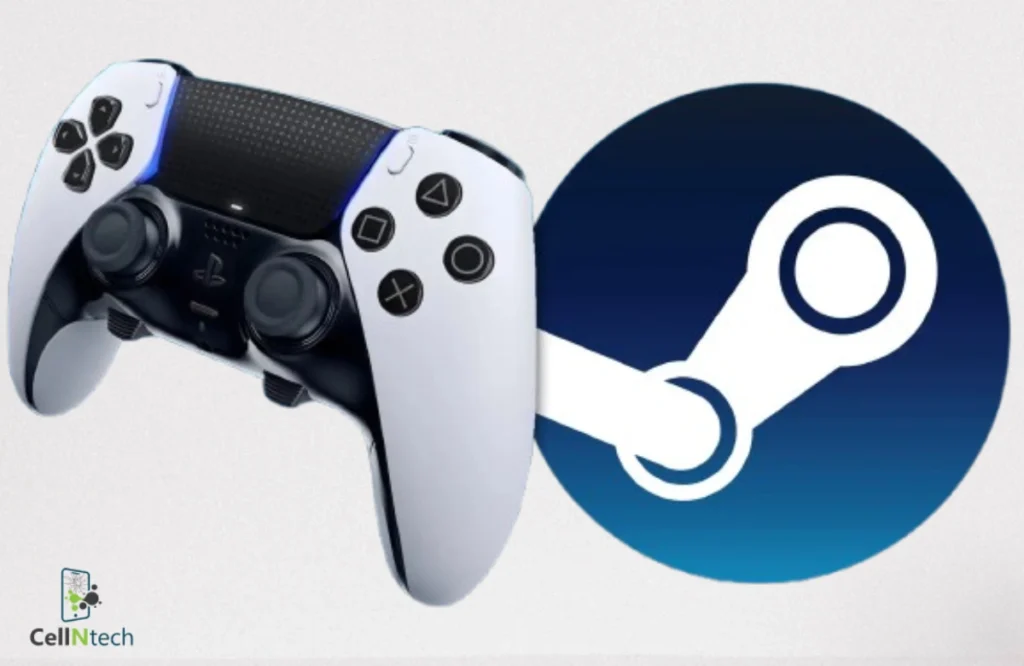
To enhance your gaming experience, connect your PS5 controller to Steam by ensuring your system is compatible. First, update the driver and software, then use a USB-C to USB-A cable to connect it to the computer through a direct, wired connection. In the wireless configuration, one can turn on the controller’s pairing mode and then […]
The PS5 has shifted the gaming world with what it does and possesses. As with any technological device, sometimes the worst can happen. Amongst the most commonly reported issues that users of the PS5 face is a malfunctioning DualSense controller. Although the device is reliable, it may sometimes fail and act erratically to cause connectivity, […]
Has your PS5 controller lost its sensitivity and responsiveness? Does it drift, especially during your gaming sessions? We know it could be a panic-inducing moment for you. But you don’t need to worry; you can fine-tune your controller’s functionality and movement with a dedicated solution. To help, this blog presents an ultimate guide to calibrating […]
Recently, PlayStation controllers have had problems with joystick drift. This happens mostly with PS5 DualSense controllers but can also happen with PS4 controllers. A drifting joystick makes your games hard to play. Fixing or replacing the controller can take days. Before doing that, here is how to fix joystick drift on your PlayStation 5 controller. […]
PlayStation 4 not responding due to a loose or damaged HDMI port is a common issue nowadays. Poor connectivity might be caused by multiple factors, such as dust accumulation, broken pins, or wear and tear. However, you don’t need to panic, as the port issue can be resolved by applying dedicated solutions. If your HDMI […]
Is your PS5 controller not responding properly? Having trouble enjoying your gaming sessions? There’s no need to panic; we’ll walk you through effective solutions to fix the PS5 controller buttons not working problem, helping you get back to enjoying your gaming experience without interruptions. These are authentic steps, but they cannot work for physical damage. […]
- 1
- 2