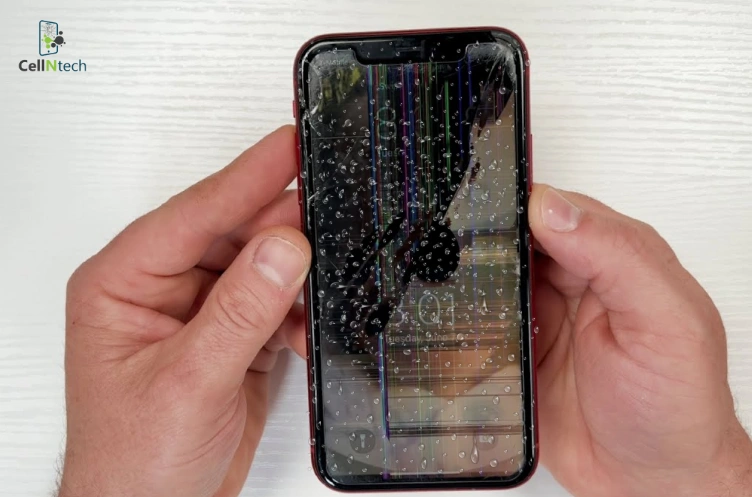
If an iPhone screen turns green after a drop, it typically indicates internal display damage or a loose connector. To repair this problem, carefully pressing around the screen edges might help reconnect any loose display cables. Use a flashlight to check for tiny cracks or screen bleeding you might’ve missed. Other possible solutions include reseating […]
Logitech G29 users aim for precise steering performance on PS5. To calibrate your Logitech G29 on your PlayStation 5, start by securely mounting your wheel and connecting all cables. The PS5 automatically triggers the wheel’s self-centering calibration when powered on. Confirm detection in console settings, then access your racing game’s controller menu for sensitivity calibration […]
You grab your PS4 controller for an intense gaming session. Suddenly, the left analog stick drifts on its own. This frustrates many players who face stick drift or unresponsive inputs. Calibrating your PS4 controller restores smooth control and precision. You can try basic console steps first. Start with a full console power cycle and USB […]
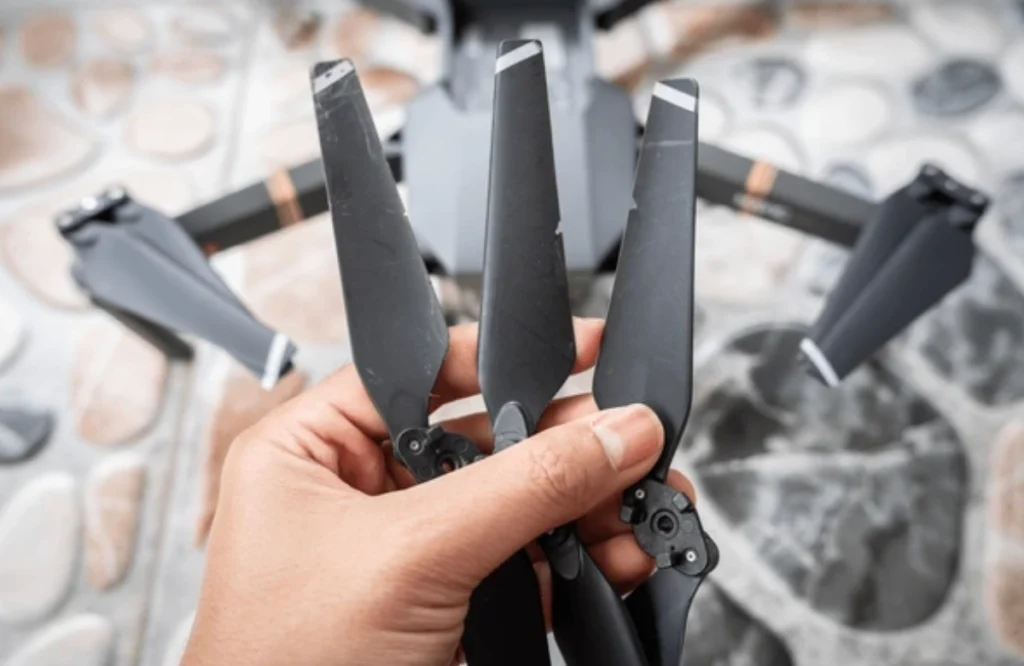
Drone propellers rely on multiple components working in sync to spin properly, and even small issues can interrupt their function. To troubleshoot the issue, ensure the battery is fully charged and properly connected. Next, check the propeller for debris or damage. Replace it with a functional one and see if the motor responds. Clean the motor area to […]
When your phone screen flickers after a fall, you should identify the cause and apply proper solutions. A loose display flex cable connection or a broken IC chip may cause the screen to flicker. A defective GPU or minimal electrical damage to the motherboard are also sometimes the cause. Static discharge during the fall can […]
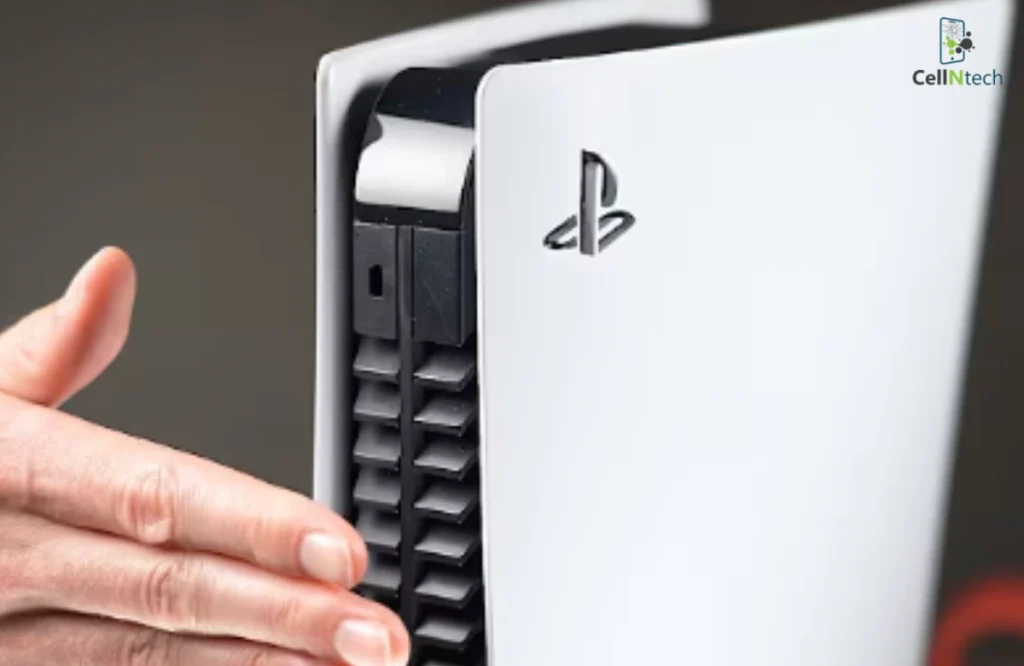
Preventing PS5 overheating requires maintaining proper airflow, as a blocked air path or confined space can quickly cause heat buildup. Cleaning the console’s vents and the inside can keep its cooling system running efficiently. Limiting long gaming sessions and reducing system strain can also help prevent excess heat buildup. If these steps don’t solve the problem, […]
Dealing with an iPhone screen that flickers after water damage is frustrating. First, quickly remove your phone from the water, then turn it off immediately. To get rid of the moisture, don’t use heat sources like a hairdryer. That may end up damaging your phone’s internal components. Instead, try the rice trick, silica gel packs, […]
Does your iPhone screen flicker when you lower the brightness? This issue can make it hard to use your phone at night. In most cases, this problem can be fixed without getting a new screen. Some quick fixes are restarting your phone, updating iOS, changing the display settings, keeping your device from getting too hot, […]
Is your phone’s speaker making buzzing sounds that ruin your music or make calls hard to hear? Many smartphone users face this problem. Luckily, you can fix it at home with easy steps. Start by cleaning your speaker, updating your phone, and adjusting the volume setting. Then, check for app issues and restart your phone. […]
Water damage can cause several problems for your iPhone, and one of the most serious is getting stuck in Recovery Mode. If this is the issue, disconnect all accessories off the phone. Dry it with a cloth and allow it to air dry. If issues continue, force restart, restore from iTunes or Finder, or go […]