Real panic can happen when your iPhone screen suddenly turns white, especially if you were in the middle of something important. The ‘White Screen of Death’ can result from software glitches, failed iOS updates, hardware malfunctions, or accidental drops. But this technical issue is resolvable. You’ve got a wide range of effective solutions. These range […]
Category Archives: iPhone
Having dropped your iPhone can be stressful, especially when you see vertical lines on your screen. These lines appear in most instances due to screen damage, loose internal connections, or hardware faults. Some of the immediate actions that you must perform immediately after you have dropped your phone include restarting it, inspecting its external damage, […]
When a phone screen cracks or stops responding, the first concern is usually the repair bill. Prices vary widely depending on the iPhone model and the type of damage. For older models, screen repairs often start around $80 to $120. Mid-generation devices with OLED displays frequently land in the $200 to $300 range, while the […]
It can be stressful when your iPhone doesn’t charge properly, charges too slowly, decreases battery while plugged in, or even stops charging at 80%. This problem can happen because of a weak charger, background apps using too much power, dust in the charging port, outdated software, or poor battery health. The good news is that […]
Dropping your iPhone can cause more than cracked glass, leading to a flickering screen, strange lines, or touch not responding properly. This usually happens when the impact loosens the display connector, damages the digitizer, or harms the backlight or display IC. Sometimes, even small issues like loose screws around the display can trigger flickering. In […]
Today’s smartphones pack a lot of power, which can lead to higher temperatures, especially when the device is charging. When an iPhone gets hotter than normal while plugged in, it’s generally due to incorrect settings, background activity, or external factors like a hot environment. Consider restarting your iPhone as the first step.Then, installing an iOS update can […]
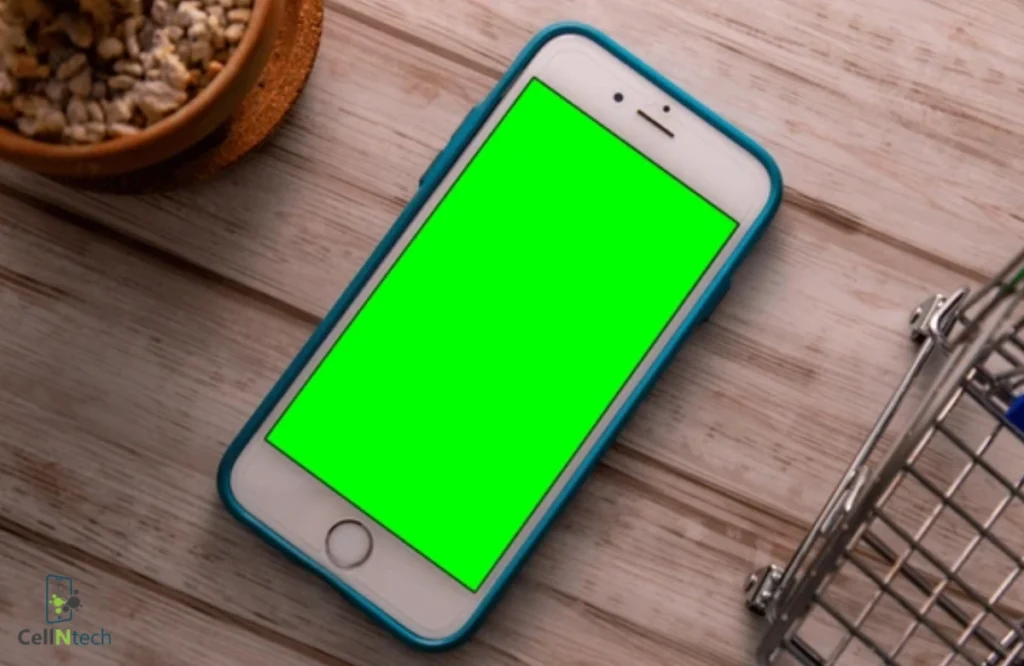
If an iPhone screen turns green after a drop, it typically indicates internal display damage or a loose connector. To repair this problem, carefully pressing around the screen edges might help reconnect any loose display cables. Use a flashlight to check for tiny cracks or screen bleeding you might’ve missed. Other possible solutions include reseating […]
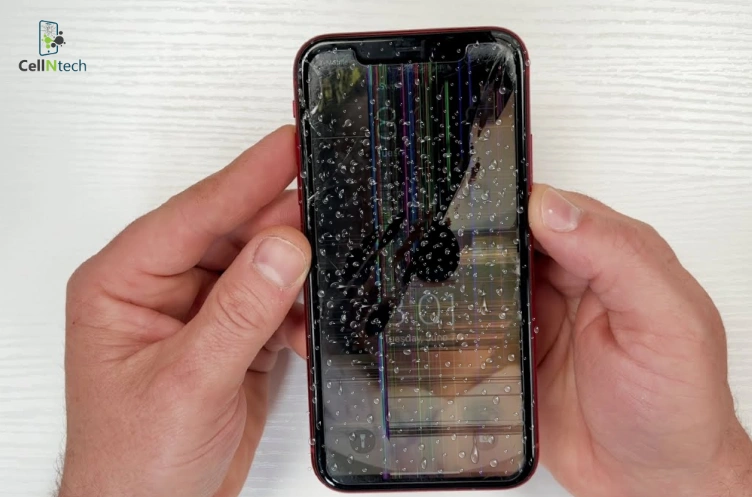
Dealing with an iPhone screen that flickers after water damage is frustrating. First, quickly remove your phone from the water, then turn it off immediately. To get rid of the moisture, don’t use heat sources like a hairdryer. That may end up damaging your phone’s internal components. Instead, try the rice trick, silica gel packs, […]
Does your iPhone screen flicker when you lower the brightness? This issue can make it hard to use your phone at night. In most cases, this problem can be fixed without getting a new screen. Some quick fixes are restarting your phone, updating iOS, changing the display settings, keeping your device from getting too hot, […]
Water damage can cause several problems for your iPhone, and one of the most serious is getting stuck in Recovery Mode. If this is the issue, disconnect all accessories off the phone. Dry it with a cloth and allow it to air dry. If issues continue, force restart, restore from iTunes or Finder, or go […]